
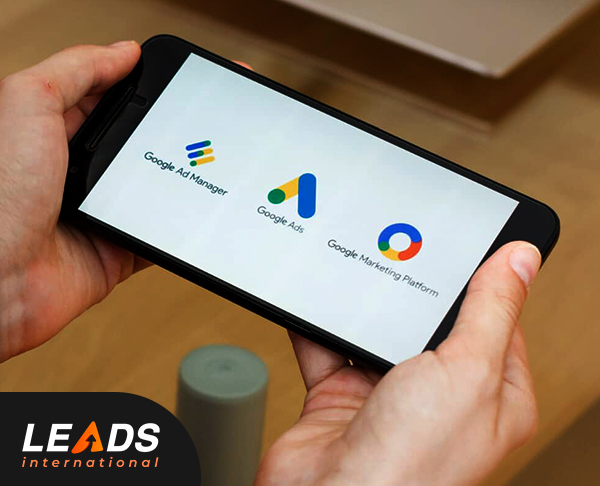
How Do Google Ads Work? – The basics!
Google Ads is an online advertising platform that allows businesses to display ads on Google’s search results pages, websites, and other platforms within the Google Display Network. The ads are triggered by relevant keywords and appear to users who are searching for products or services related to those keywords. When a user clicks on an ad, the advertiser pays a fee, and the user is directed to the advertiser’s website or landing page. The Google Ads course in London offered by Leads International provides comprehensive training on various aspects of the platform.
How can Google Ads be utilized to benefit your eCommerce business? [6 Clever Steps]
- Choose a Campaign Goal for Google Ads
Before setting up your Google Ads campaign, it’s important to define your campaign goal. Whether it’s increasing website traffic, generating leads, or driving sales, having a clear goal in mind will help you structure your campaign effectively.
- Choose The Right Google Campaign Audiences
Ensuring accurate audience targeting is vital for the effectiveness of your Google Ads campaign. Utilize Google’s audience targeting options to reach users who are most likely to be interested in your products or services. Consider factors such as demographics, interests, and previous website interactions to refine your audience targeting.
- Adjust Your Google Ads Budget
Setting a realistic and flexible budget is essential for managing your Google Ads campaign effectively. Determine your maximum daily or monthly budget based on your business goals and revenue targets. Monitor the performance of your ads and make adjustments to your budget as needed to optimize your return on investment (ROI).
- Add Google Ads Extensions
Google Ads extensions provide additional information and features to your ads, making them more compelling and engaging. Consider adding extensions such as site links, call extensions, and promotion extensions to enhance your ad visibility and encourage users to take action.
- Setting Up Ad Groups
Organize your ads into relevant ad groups based on specific product categories, keywords, or themes. This allows you to create targeted and personalized ads for different segments of your target audience. Use relevant keywords and compelling ad copy to maximize your ad performance.
- Optimizing Your Google Campaigns
Regularly monitor and analyze your Google Ads campaigns to assess their performance. Pay attention to key metrics such as click-through rates (CTRs), conversion rates, and cost-per-conversion. Make data-driven optimizations by adjusting bids, refining keywords, and improving ad copy to maximize your campaign’s effectiveness.
By following these clever steps and continuously optimizing your Google Ads campaigns, you can drive targeted traffic to your eCommerce website, increase conversions, and ultimately boost sales.
Conclusion:
Google Ads is a powerful tool for eCommerce businesses to increase their online visibility, attract targeted traffic, and drive sales. By understanding the basics of Google Ads, setting clear campaign goals, targeting the right audience, optimizing your budget, utilizing ad extensions, organizing ad groups, and continuously optimizing your campaigns, you can harness the full potential of Google Ads and achieve your eCommerce sales goals.
For comprehensive Google Ads training courses in London, trust our expert team. Our Google Ads courses provide practical insights and strategies to help you master the art of Google Ads and take your eCommerce business to new heights of success.